Create Proposal
Proprosals are similar to quaotation on how much it would cost for a list of product purchase.
-
Login to your GstBillBooks(https://gstbillbooks.com/) application account.
-
Choose Presale ->Proposal on the left side menu.
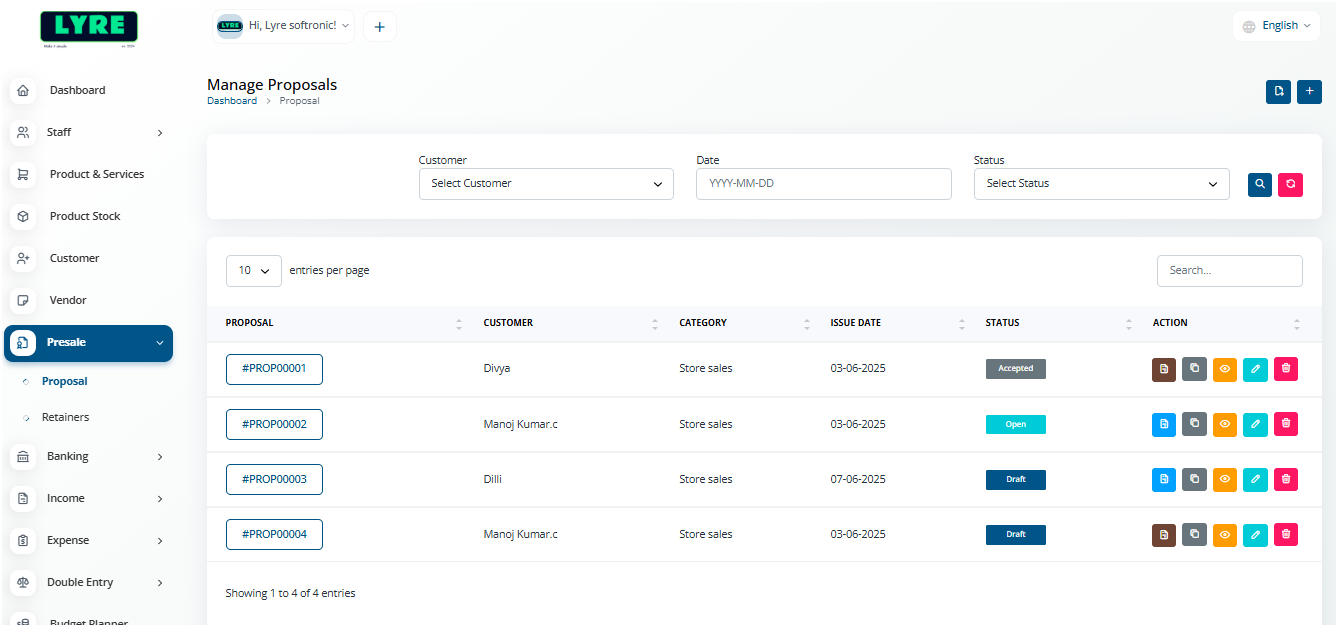
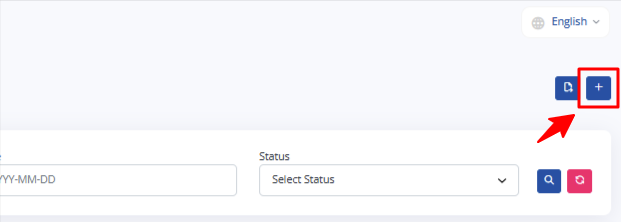
- Click on the '+' plus button on top right side to create.
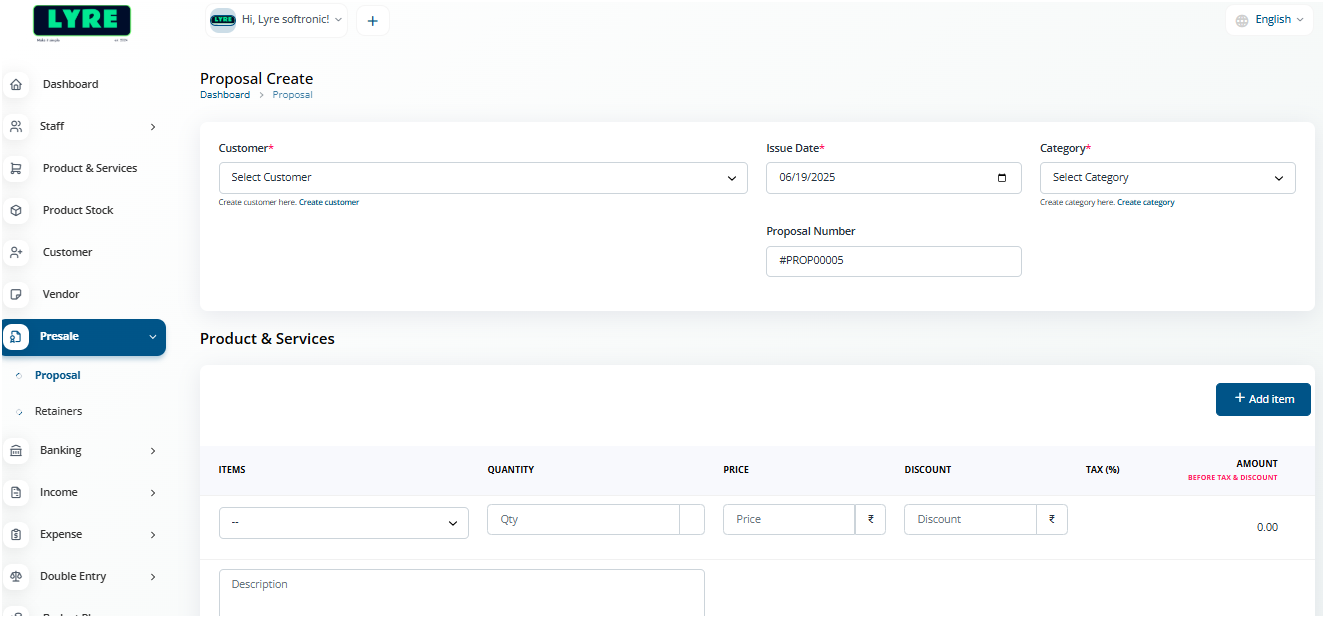
- Fill the customer details, date, category.
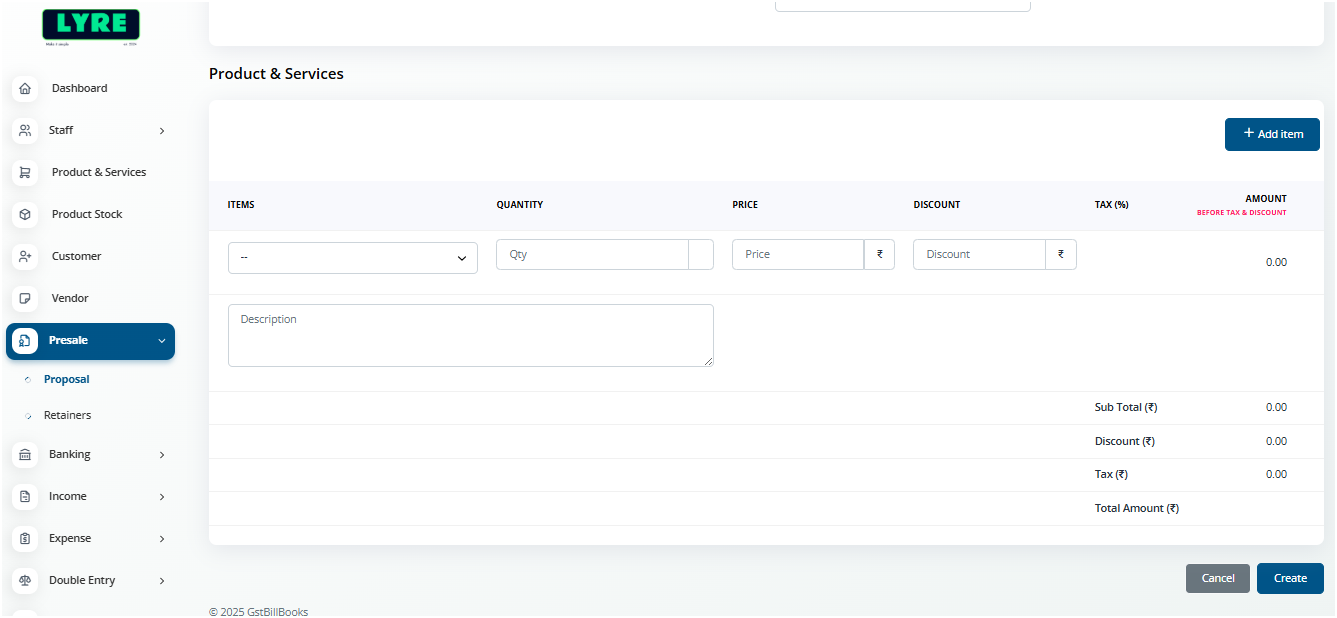
- Add product using Add Item button and add quantity.
-
Once done click Create and your Bill is created.
-
Open the created Proposal and click Send to send it to the user e-mail address.
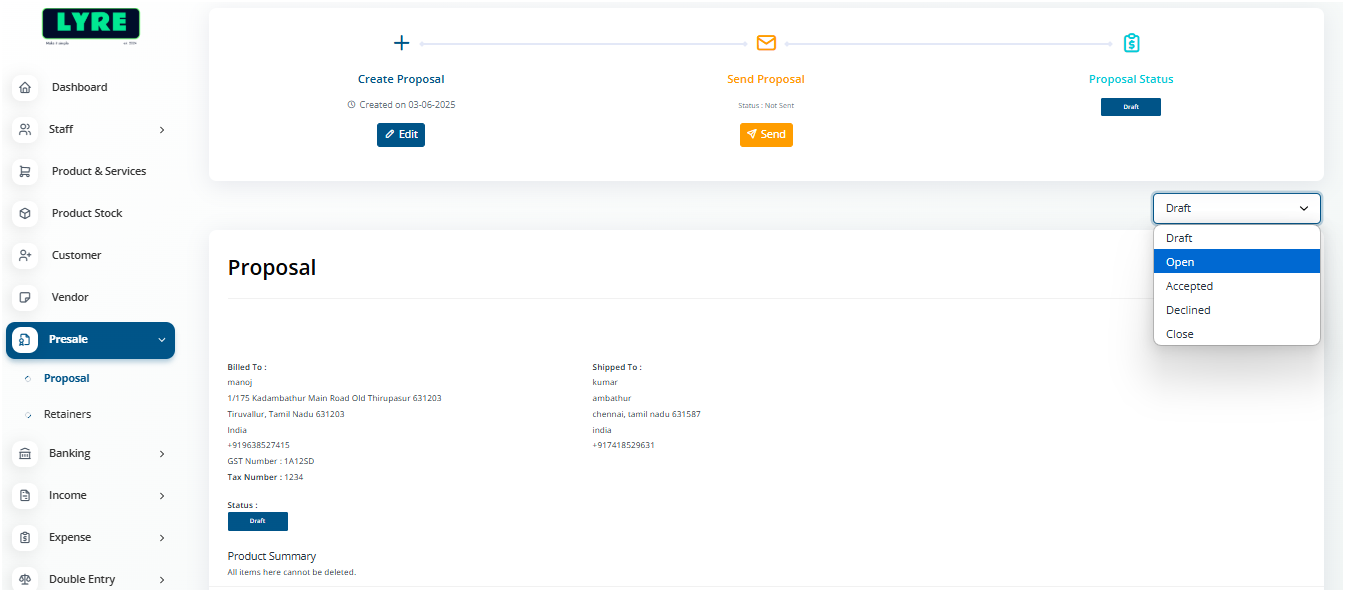
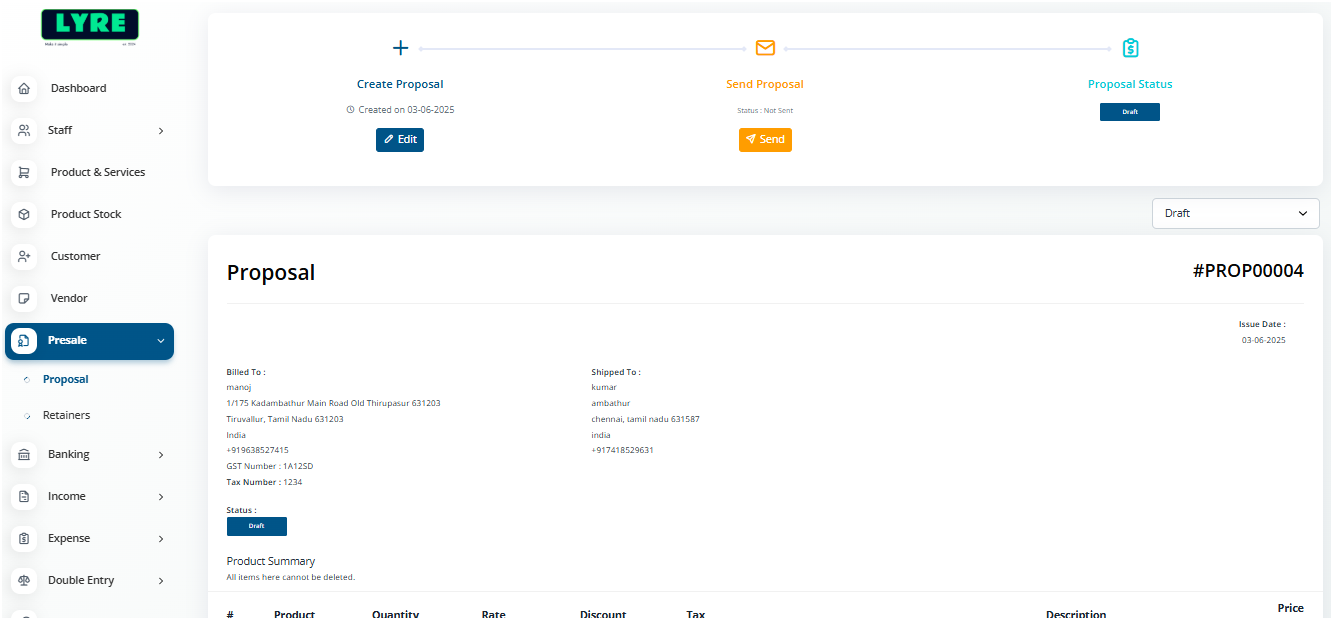 8. Once you send you can change the status of the proposal.
- You can also edit the proposal and resend.